Signing in to Local Edition Configuration Manager
This page includes the sign-in steps for administrators to log in to the Boomi Cloud API Management - Local Edition Configuration Manager, including sign-in with a username and password, LDAP, or SAML.
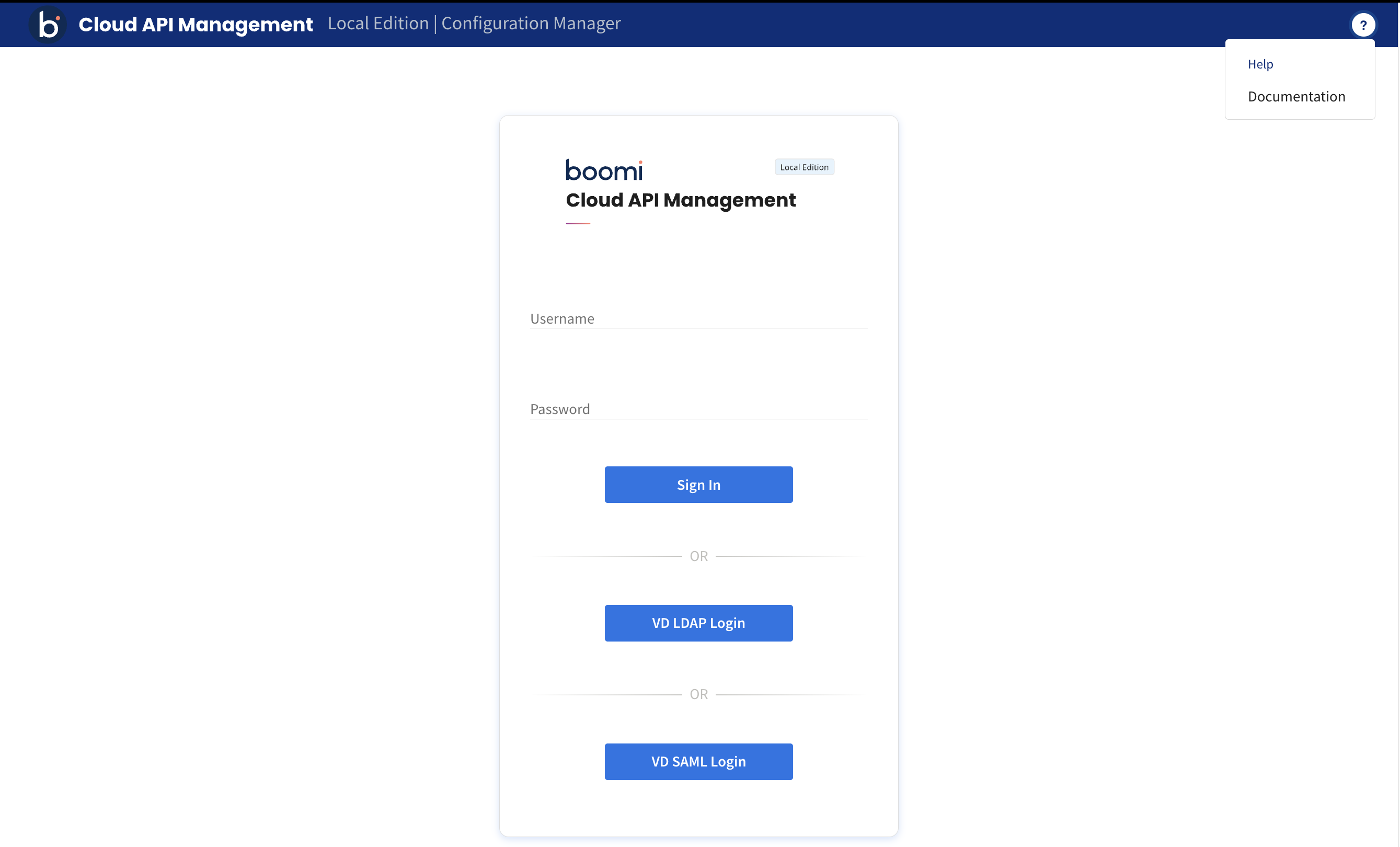
The Sign In option is for the default administrator account or for members created directly in Configuration Manager, while the LDAP Login or SAML Login is for signing in using your organization's identity provider.
Signing in Configuration Manager with an administrator or member account
Procedure
-
Go to the Configuration Manager sign-in page, using the cluster IP address or hostname for Configuration Manager at an HTTPS port, in the following URL format:
Here,
xx.xx.xx.xxis the IP address of Configuration Manager. -
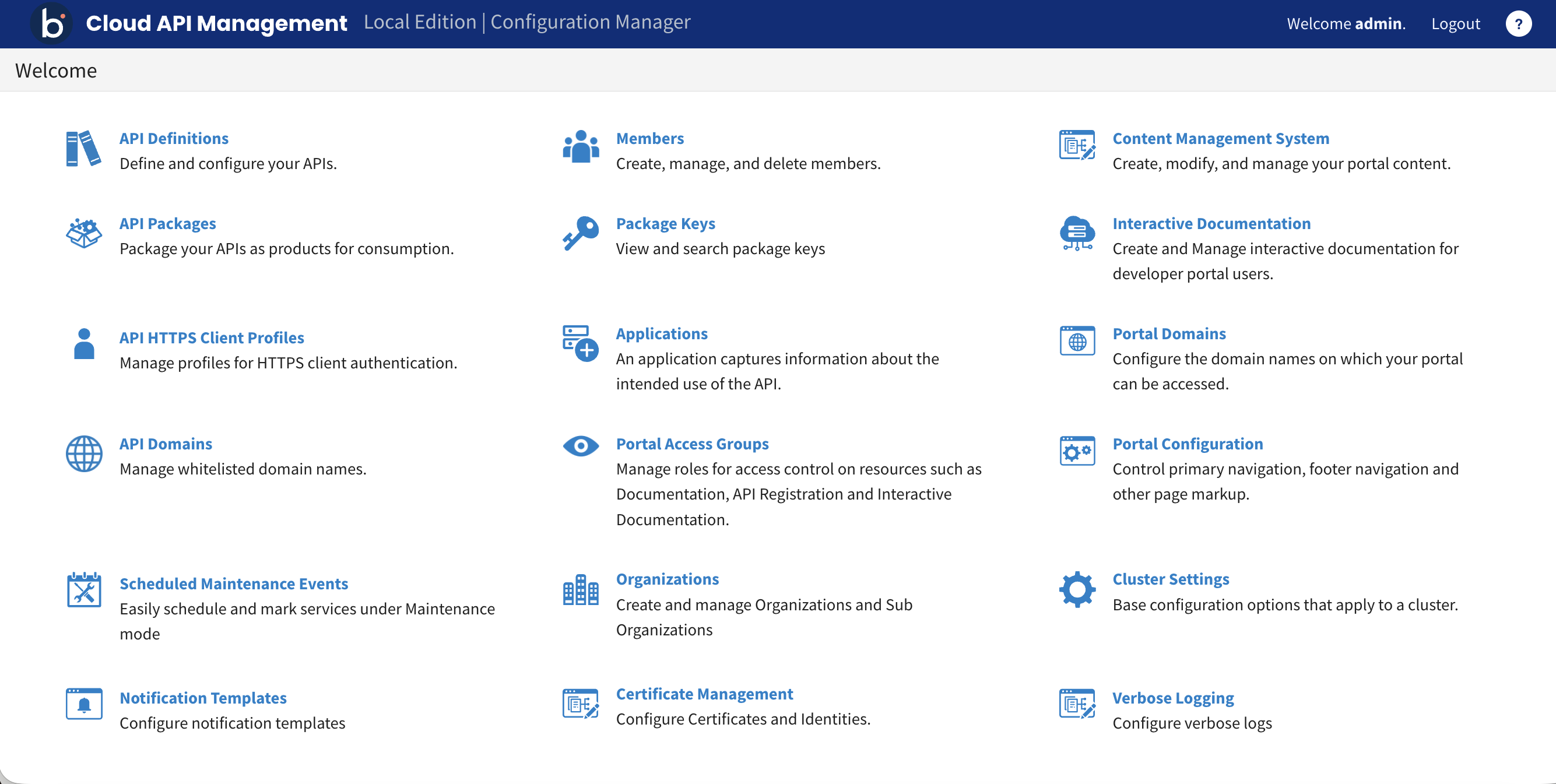
Provide your username and password, and click Sign In. This opens the Boomi Cloud API Management - Local Edition Configuration Manager home page.
Signing in Configuration Manager with LDAP or SAML
Prerequisites
An administrator has set up LDAP or SAML for the cluster. Refer to Configuring LDAP and SAML with Local Edition for more information.
Procedure
-
Go to the Configuration Manager sign-in page, using the cluster IP address or hostname for Configuration Manager at an HTTPS port, in the following URL format:
Here,
xx.xx.xx.xxis the IP address of Configuration Manager. -
Choose from any one of the sign-in options. Click the LDAP Login or SAML Login to sign in with your organization's identity provider.
-
Provide your LDAP or SAML username and password, and click Login. This opens the Boomi Cloud API Management - Local Edition Configuration Manager home page.
LDAP and SAML sign-in credentials must be different from the username and password credentials you use on the Configuration Manager sign-in page.
